Design-to-Code Workflows via Model Context Protocol (MCP)
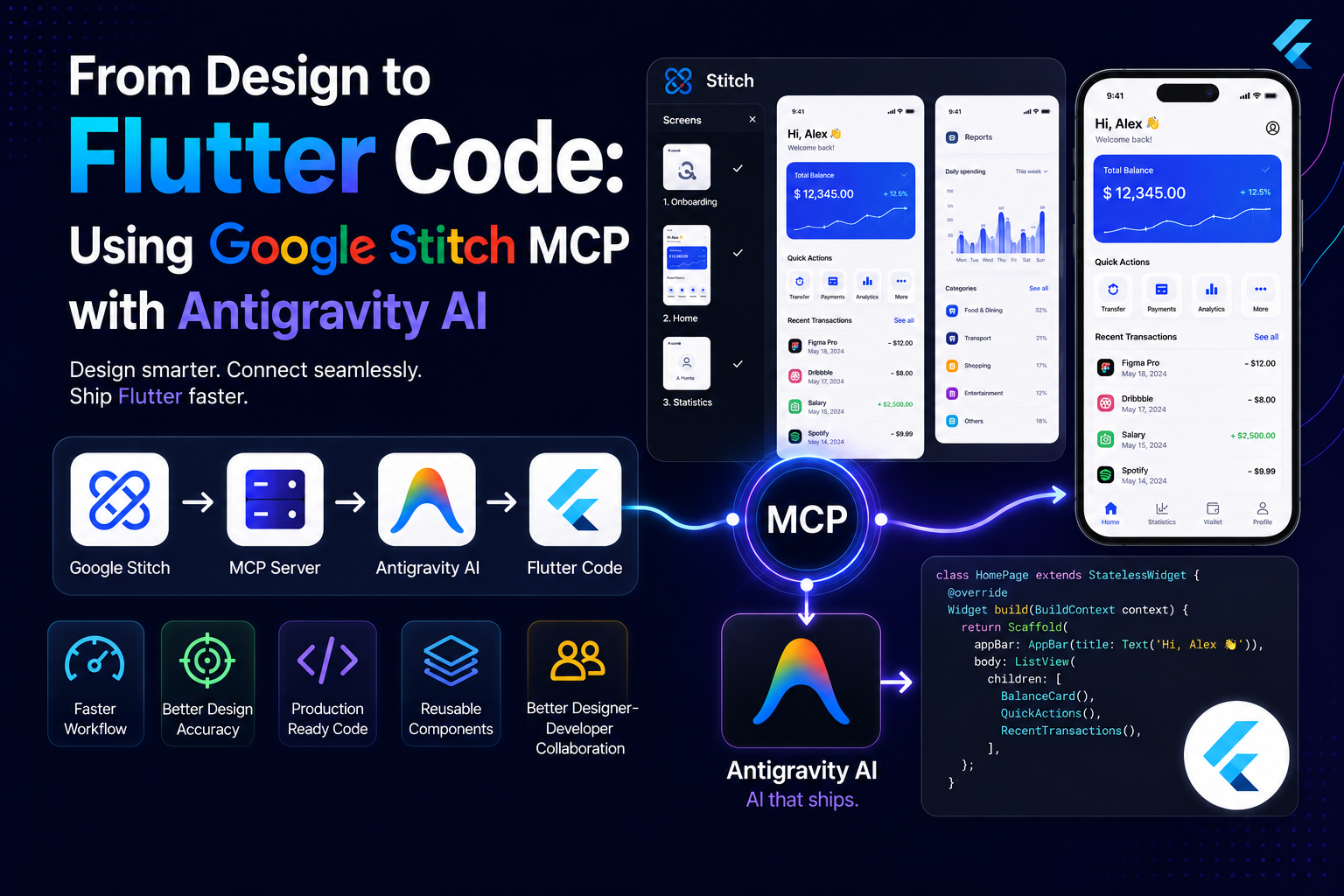
Design-to-code workflows are becoming increasingly efficient with the introduction of the Model Context Protocol (MCP). By connecting Google Stitch with Antigravity AI, developers can allow AI agents to access design context directly and generate Flutter implementations with significantly less manual effort.
In this article, we'll walk through the complete setup process and demonstrate how to generate Flutter UI code directly from Google Stitch designs using MCP.
What is MCP?
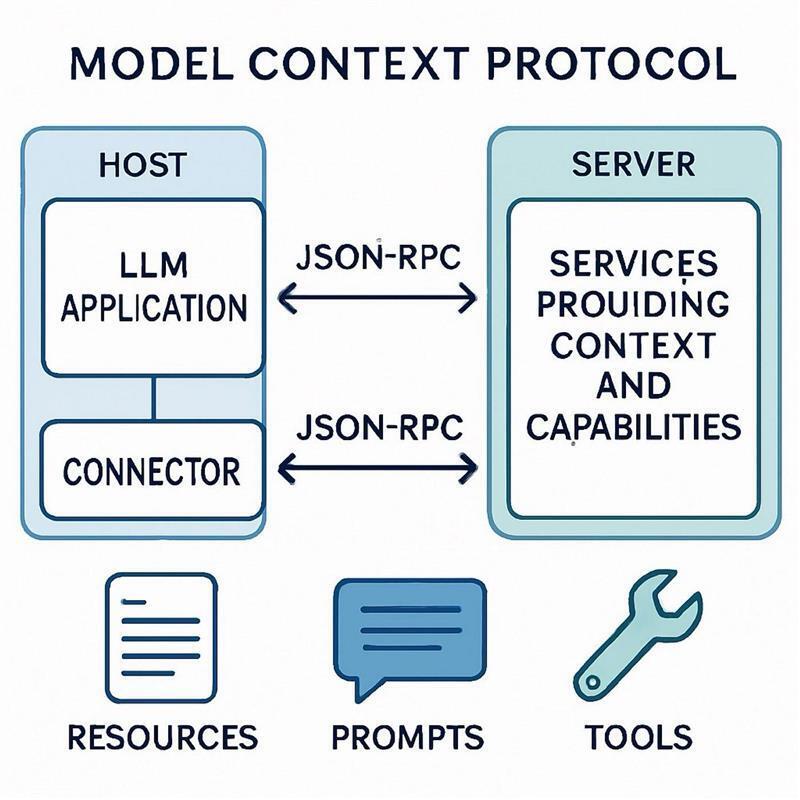
The Model Context Protocol (MCP) is an open standard that enables AI applications to securely connect with external tools and data sources.
Benefits include:
- Direct access to design context
- Reduced manual design interpretation
- Faster UI implementation
- Improved code consistency
- Better collaboration between designers and developers
Why Use Google Stitch with Antigravity AI?
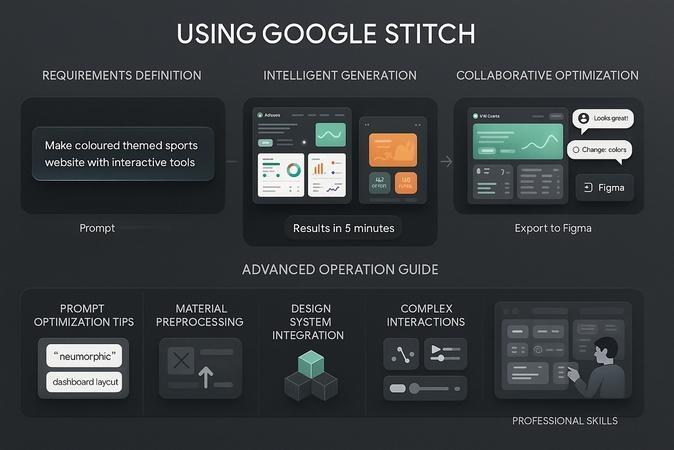
Google Stitch provides AI-powered design generation, while Antigravity AI can consume that design context through MCP and generate implementation code.
Key Benefits
✅ Faster design-to-development workflow
✅ Reduced UI implementation time
✅ Better design accuracy
✅ Reusable Flutter components
✅ Production-ready code generation
Architecture Overview
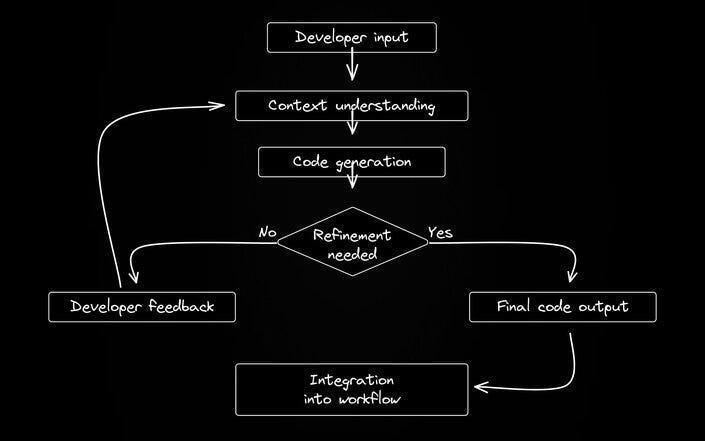
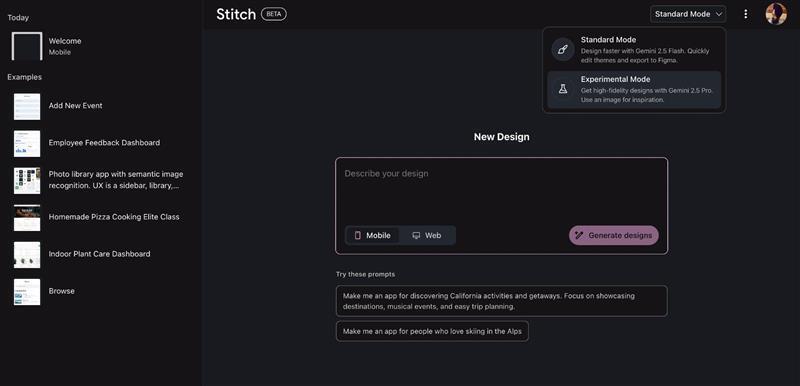
Google Stitch
│
▼
MCP Server
│
▼
Antigravity AI
│
▼
Flutter Code
Step 1: Generate UI Design in Google Stitch
- Open Google Stitch.
- Generate your mobile application design.
- Select all screens you want to export.
Best Practices:
- Finalize navigation flow before exporting
- Use consistent design patterns
- Keep component naming organized
Step 2: Export MCP Configuration
- Click Export
- Select MCP
- Click Set Up MCP
- Choose your preferred IDE
After selecting Antigravity, Google Stitch provides:
- MCP Configuration
- API Key
- Connection Details
Copy the generated configuration.
Step 3: Configure MCP in Antigravity AI
Navigate to:
Agent Panel
└── Three Dot Menu
└── MCP Servers
└── Manage MCP Servers
└── View Raw Config
Paste the Stitch MCP configuration:
{
  "mcpServers": {
    "stitch": {
      "serverUrl": "https://stitch.googleapis.com/mcp",
      "headers": {
        "X-Goog-Api-Key": "YOUR-API-KEY"
      }
    }
  }
}
Replace: YOUR-API-KEY with the API key provided by Google Stitch.Step 4: Verify the Connection
After saving the configuration:
- Restart Antigravity if needed.
- Open MCP Servers.
- Verify that Stitch appears in the configured server list.
- Confirm the connection status is active.
Common Fixes
1. Server Not Visible
- Restart the Antigravity service.
- Verify that the server is running successfully.
- Check logs for startup errors.
2. Authentication Error
- Ensure your API key is correct.
- Confirm that the key has not expired.
- Verify environment variables are properly configured.
3. Connection Failure
- Check your internet connection.
- Verify firewall or proxy settings.
- Ensure the target endpoint is reachable.
4. Invalid Configuration
- Validate your JSON configuration file.
- Check for missing commas, brackets, or quotation marks.
- Use a JSON validator before restarting the service.
Tip: Most startup issues can be resolved by validating the configuration file and restarting the Antigravity server.
Step 5: Generate Flutter UI Code
Once the MCP connection is established, Antigravity AI can access the Stitch design context. Example prompt:
Implement the selected Google Stitch mobile app screens in Flutter.

Requirements:
- Use GetX for state management
- Follow Material Design guidelines
- Create reusable widgets
- Maintain responsive layouts
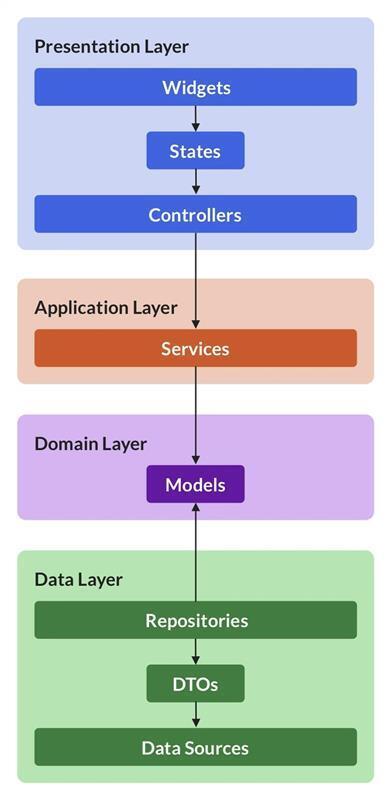
- Use proper folder structure
- Generate clean production-ready code
- Match the Stitch design closely
The AI agent will analyze the design through MCP and generate Flutter code accordingly.
Example Development Workflow
Design Creation
      │
      ▼
Google Stitch
      │
      ▼
Export MCP
      │
      ▼
Antigravity AI
      │
      ▼
Flutter Code Generation
      │
      ▼
Developer Review
      │
      ▼
Production App
Lessons Learned
During testing, the following practices produced the best results:
- Export complete screen flows instead of individual screens.
- Provide detailed implementation requirements.
- Request reusable widgets and proper architecture.
- Review generated code before production deployment.
- Use GetX modules for scalable project organization.
Conclusion
By integrating Google Stitch with Antigravity AI through MCP, Flutter developers can significantly accelerate the design-to-code process. Instead of manually translating designs into code, developers can focus on refining business logic and user experience while AI handles much of the UI implementation work.
If you're already using Flutter and GetX, this workflow can dramatically reduce UI development time while maintaining consistency with your original designs.